Platform-led changes had moved the metrics
The OVO Energy app had gone through several rounds of changes, mainly because of a back-end platform upgrade. These changes were feature-led, based on what the new platform could do, rather than what customers needed.
Analytics then showed that some of the metrics we tracked had been affected. So I set out to test whether the new app was still fit for purpose.
Agreeing what to learn before testing
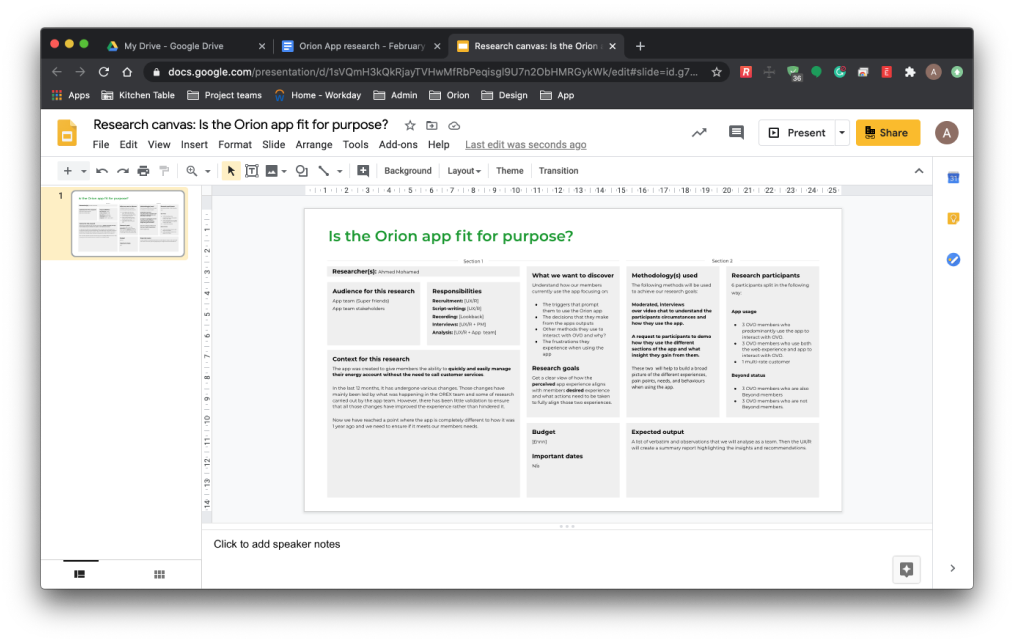
I started by creating a research canvas and sharing it with stakeholders. It told them what I planned to research and what recruitment I needed. It also gave them a chance to suggest changes or additions to the research goals.
Preparing the participants
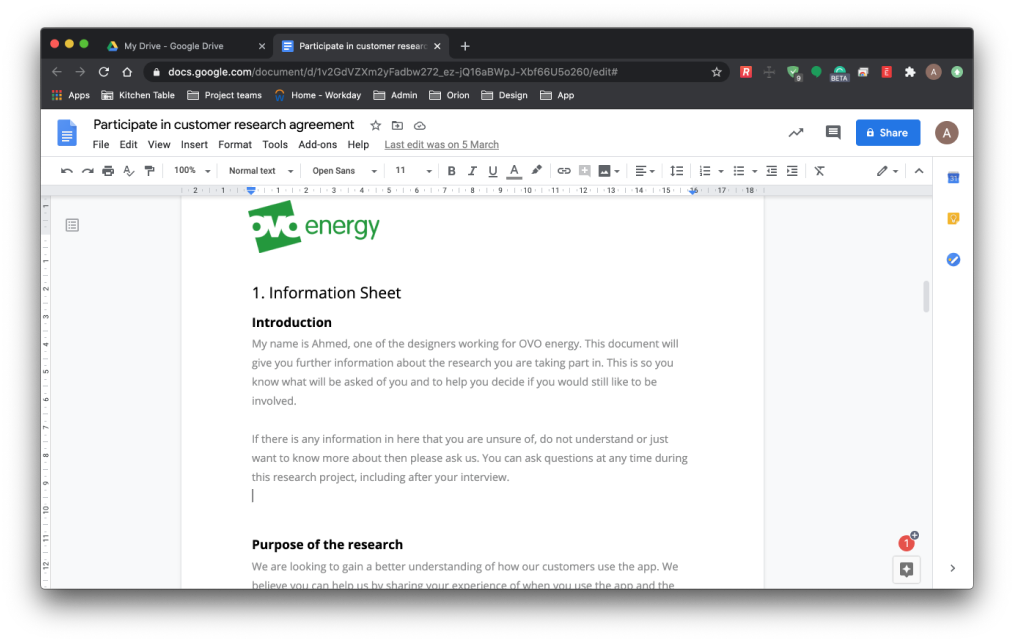
I wanted participants to know what the research was about and what was expected of them. So I sent each of them a research agreement. It covered who I was, what the session would cover, the technology they needed and the compensation for taking part.
Writing and stress testing the guide
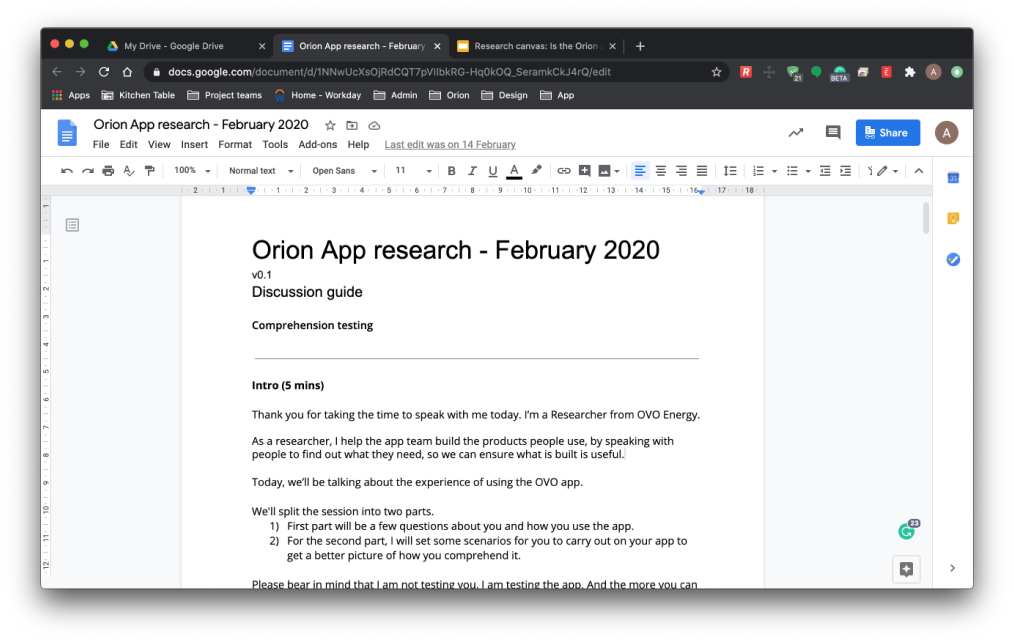
I shared the discussion guide with the team while I was editing it, so they could see and shape what we would ask. I also ran mock sessions to stress test it before the research day.
Bringing the whole team into the sessions
The research was carried out remotely, with a live feed for the rest of the team to follow. I wanted everyone to see customers using the app first-hand, so the whole team built a shared understanding of the problems rather than relying on my summary.
From live notes to themes
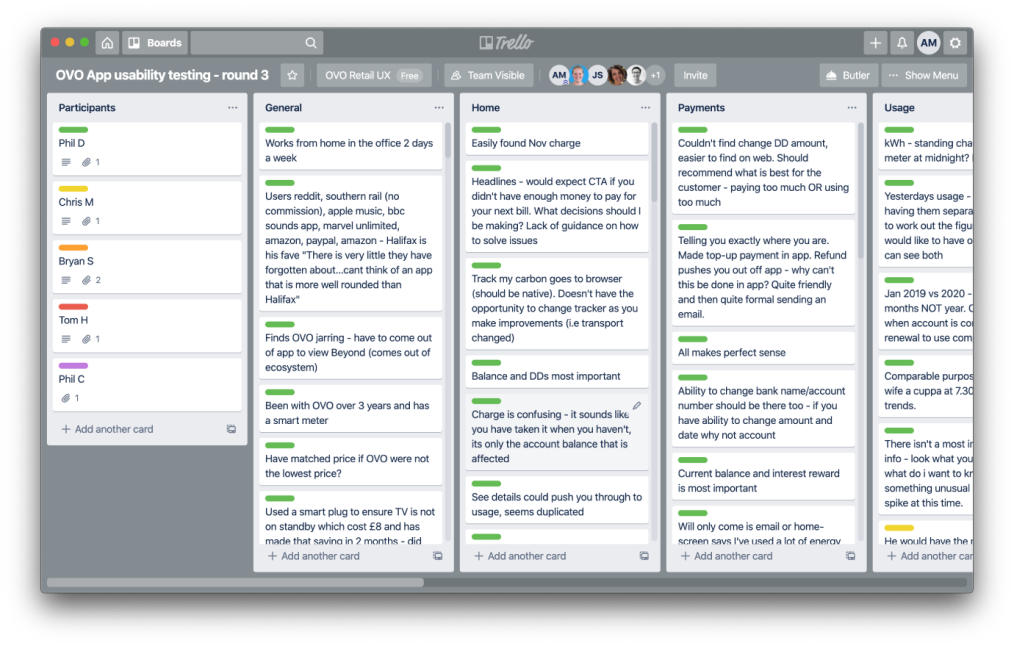
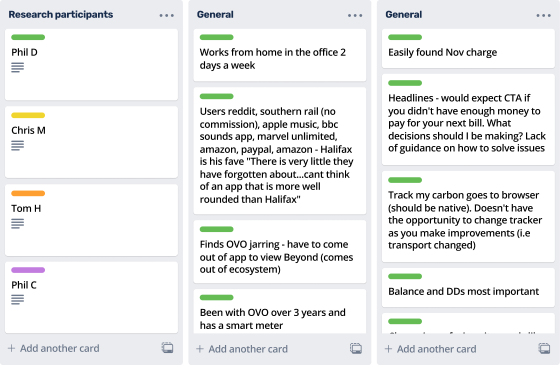
Everyone captured notes in Trello, which kept everything online and shareable. Each participant had a card, and notes were sorted into areas of the app, such as the home screen, payments and usage. Once the day was over, Trello also made affinity mapping the notes much easier.